2026-12-10 · 4 min read
How to Get Frame-Worthy AI Pet Portraits: Photo Prep, Prompts, and Negative Prompts
Most AI pet portraits disappoint for the same reason most cake recipes fail: the inputs were wrong, not the oven. Blurry source photos, one-line…
By AeternusVita
We make the products recommended here.
Most AI pet portraits disappoint for the same reason most cake recipes fail: the inputs were wrong, not the oven. Blurry source photos, one-line prompts, and zero artifact control produce the melted ears and haunted eyes that give AI art a bad name. Flip those three inputs — good photo, engineered prompt, negative prompt library — and add proper upscaling, and the results genuinely belong in frames. Here is the full technique.
Step 1: Source Photo Selection (80% of the Result)
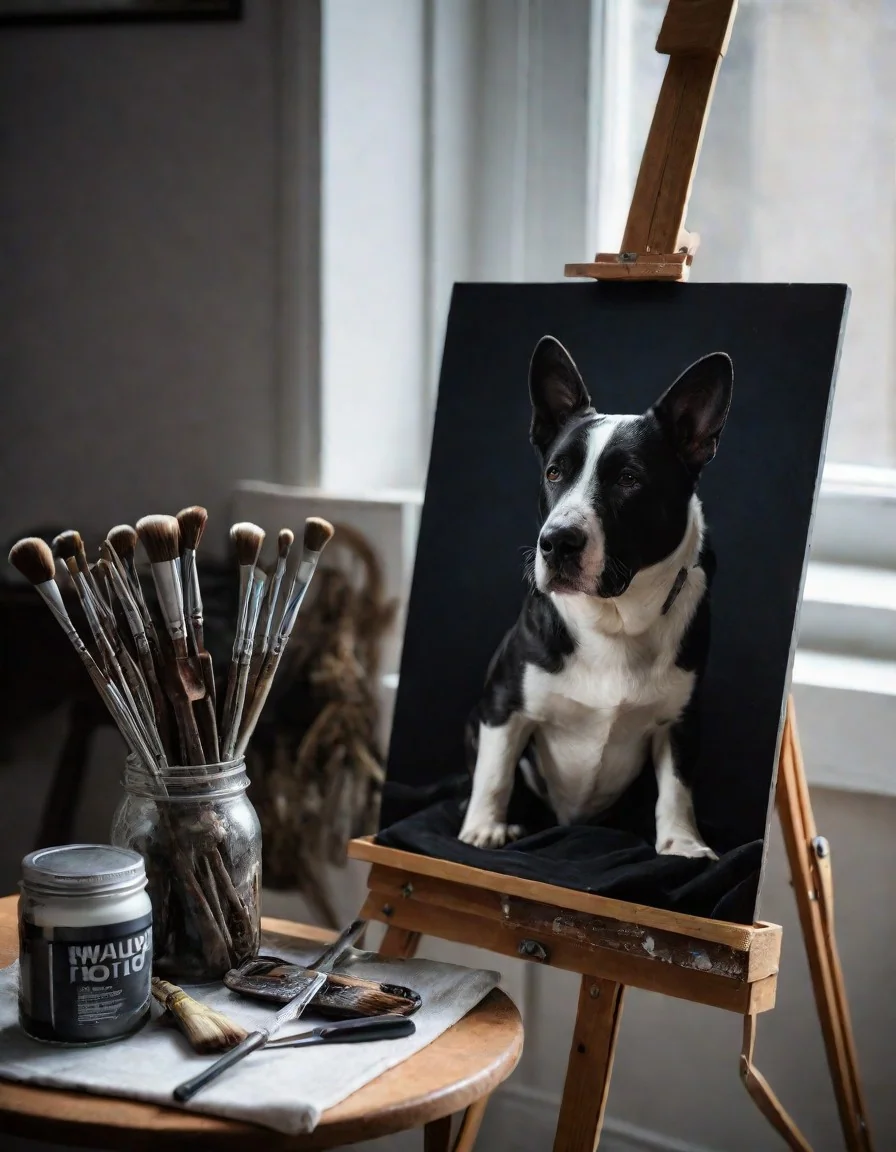
Veterans say a good source photo does most of the work, and they're right. The ideal input: sharp focus on the eyes, facing the camera at roughly eye level, even natural lighting with no harsh shadows, uncluttered background, and the highest resolution you have. Phone portrait mode in daylight near a window beats a DSLR shot across a dark room.
Reject (or fix) the common failures: motion blur, heavy filters, costumes obscuring the face, extreme angles, other animals overlapping the subject. You can crop, but you can't invent detail — every pixel of fur texture in the output traces back to information in the input. When choosing among candidates, zoom to 100% on the eyes; if they're mush, pick another photo. For sellers, a photo-prep guide sent to buyers at intake prevents most revision cycles before they start.
Step 2: Prompt Engineering by Style
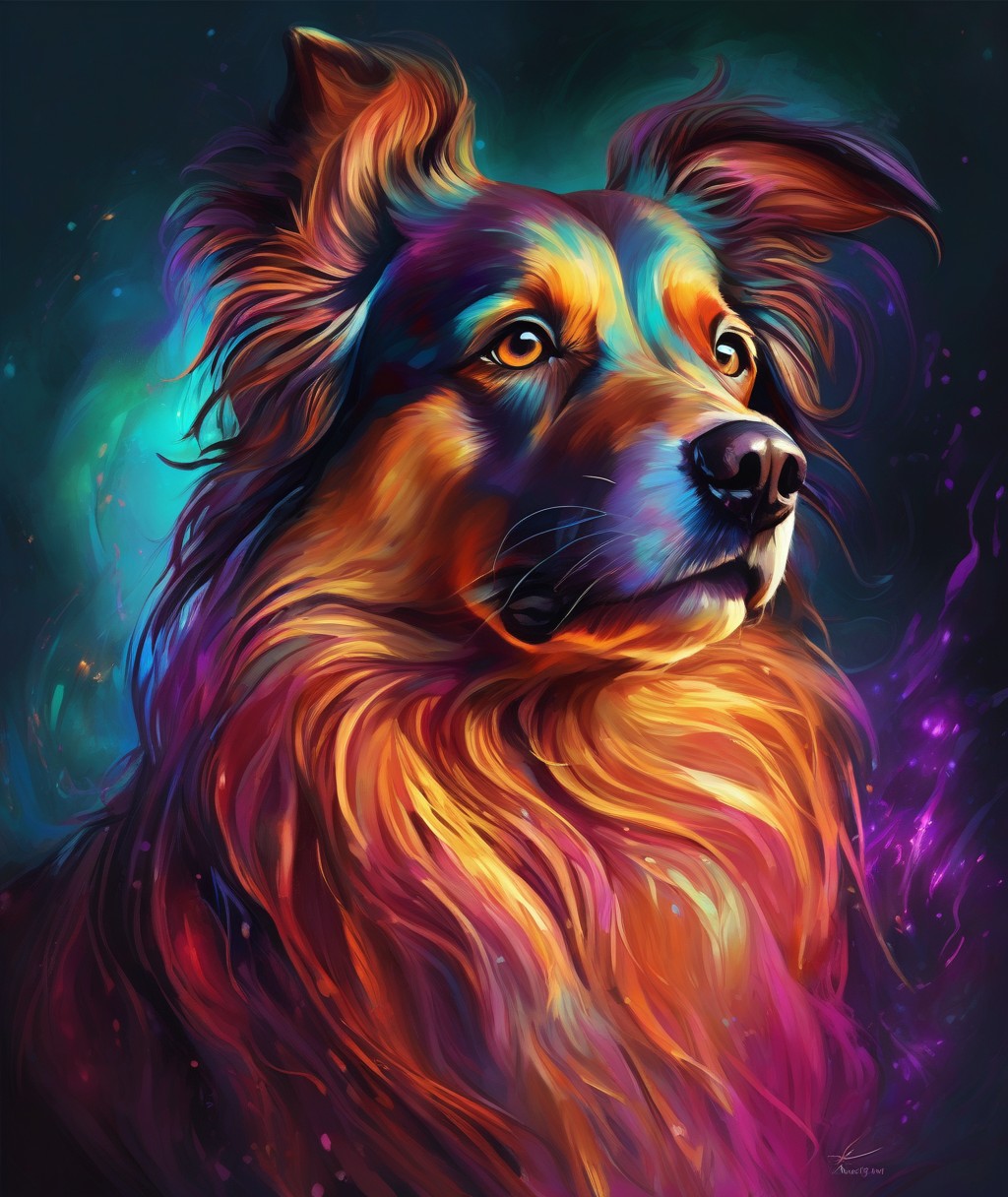
A bare prompt ("dog as king") gives the model nothing to grip. An engineered prompt specifies subject, breed traits worth preserving, style reference, medium cues, lighting, composition, and detail level: the breed's actual markings, the costume's materials, Rembrandt-style lighting for Renaissance looks, soft studio key light for 3D-cartoon styles, watercolor paper texture cues for painted looks. Each of the major styles — Renaissance, astronaut, knight, 3D cartoon, watercolor, vintage photograph, vaporwave, Ghibli-inspired aesthetic — has its own vocabulary of medium and light that sells the illusion.
Work from a library, not from scratch. Fifty ready-to-use prompts across the styles give you tested starting points; your job becomes selecting, then adjusting one variable at a time (pose, background, palette) until it sings. Generate in small batches, keep seeds or version notes on winners, and never change five things between renders — you'll never know which change worked.
Step 3: Negative Prompts — the Quality Filter
Negative prompts are the list of things you forbid: extra limbs, deformed paws, crossed eyes, watermark, text artifacts, blur, oversaturation. They are the single highest-leverage quality tool most beginners never touch. A maintained negative prompt library — general artifact bans plus style-specific additions (no photographic noise on painted styles, no cartoon shading on vintage-photo styles) — applied to every render, eliminates the large majority of "AI look" failures.
When a render still fails, diagnose before re-rolling: wrong anatomy usually means weak subject specification (strengthen breed detail), style drift means competing medium cues (simplify to one medium), and persistent artifacts mean the negative prompt needs the specific failure named. Targeted fixes beat slot-machine re-rolling every time.
Step 4: Upscale for Print Before You Celebrate
Screen-sized outputs fall apart at frame sizes. Run winners through an upscaler (2x–4x), check eyes and fur at full print size on screen, and match resolution to the intended frame — a 5x7 needs far less than a 16x20. Export in the print shop's preferred format and color profile. This unglamorous final step is what separates "cool phone wallpaper" from "hangs above the mantel."
How This Book Helps
Custom Pet Portrait AI Prompts implements this entire workflow: 50 ready-to-use prompts across 8 styles, a photo prep guide, a negative prompt library, an upscaling checklist, plus an Etsy listing copy formula and pricing worksheet for sellers. Technique in, heirlooms out.
Turn the skill into income with the Etsy Digital Shop Starter Kit — keyword research, pricing, and a 7-day launch plan. And keep the furry subjects safe with Emergency First Aid for Pets, the print-and-keep emergency reference.
Related articles
2026-12-08 · 4 min read
Should I Buy AI Prompts or Commission a Pet Portrait Artist?
You want your dog as a Renaissance noble on the living room wall. Two paths lead there: commissioning a human artist (beautiful, slow, expensive) or…
Read article →2026-12-09 · 3 min read
From Photo to Heirloom: Why Custom Pet Portraits Make Unbeatable Gifts (and Income)
Ask anyone with a pet portrait on their wall how they got it and watch their face change. People don't talk about pet art the way they talk about decor…
Read article →